Make Money by Publishing SaaS Apps on Zapier
The Hidden Goldmine of Automation: Monetizing Your Software
For many developers and entrepreneurs, building a SaaS (Software as a Service) product is only half the battle. You have created a tool that solves a problem, but now you face the ultimate hurdle: distribution and user retention. In the modern ecosystem, users do not want another isolated silo of data. They want their tools to talk to each other. They want their CRM to trigger a Slack message, or their e-commerce store to update a Google Sheet automatically.
This is where the real money is made. By creating an integration with a major automation platform like Zapier, you are not just adding a feature; you are plugging your product into a global nervous system of millions of existing workflows. However, there is a significant gap between "having an API" and "being a certified Zapier app." Bridging that gap requires a specific technical strategy and a willingness to navigate some unconventional requirements.
Why Integration is a Growth Lever, Not a Chore
Many founders view building an integration as a distraction from their core product roadmap. This is a mistake. When you publish an app to a directory like Zapier, you are essentially outsourcing your distribution to the users' existing habits. Instead of convincing a customer to manually export a CSV from your app to upload it to another, they simply turn on a "Zap."
The value proposition is twofold:
- Reduced Churn: Once a user has built a complex automation workflow that connects your software to their entire tech stack, the "switching cost" becomes incredibly high. Your software becomes a vital organ in their business machine.
- Increased Reach: You become discoverable to users who may not even know your product exists but are searching the Zapier directory for a way to connect their current tools.
The "Catch-22" of the Review Process
If you decide to take the leap and publish your own app, you will quickly realize that "no-code" is a relative term. While the goal of these platforms is to simplify life for the end-user, the developer experience can be surprisingly rigorous. One of the most counterintuitive requirements you will encounter is the "Proof of Life" mandate.
To pass a formal review, you cannot simply submit a theoretical configuration. Every single trigger, action, and search function you define must be tested within a live environment. Specifically, Zapier requires that every component has at least one successful run in its history within a live Zap. This creates a unique challenge: you must prove your app is being used effectively before it is even listed in the directory to attract users.
To overcome this, developers often have to act as their own first customers. You must build out the Zaps yourself, trigger the API calls manually, and ensure every single component—from a simple "Create Post" action to a complex "Search User" function—shows a green, successful run in the history. These Zaps cannot be deleted; the reviewers may audit your history to ensure the integration is robust and reliable.
Technical Realities: When No-Code Meets JavaScript
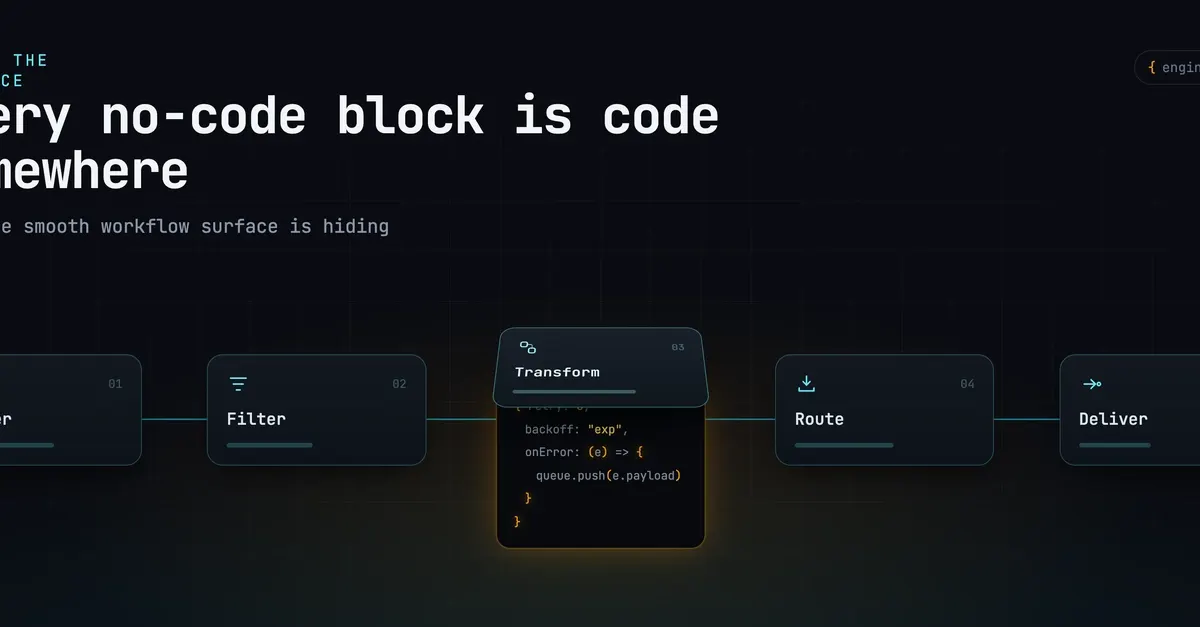
While the platform aims to be no-code, professional-grade integrations often require "low-code" interventions to handle edge cases. You will encounter moments where standard field mapping isn't enough. For example, if you want to display a custom connection label—such as a user's specific account name instead of a generic "Connected" status—you may find that simple variables fail to parse complex data structures.
In these instances, you will need to write small snippets of JavaScript directly into the configuration boxes. If your user data is stored in an array, a standard tag might not be able to reach into that array to grab the specific string you need. You might end up writing a small function like this to ensure the user sees their own username:
const connections = bundle.inputData.connections || [];

const first = connections[0] || {};

return { label: first.username || 'Default Name' };
This level of granular control is what separates a mediocre integration from a premium one. It is the difference between a user feeling like they are using a professional tool and feeling like they are fighting a broken bridge.
Mastering Triggers
There are two ways to handle data updates: polling and webhooks. Polling involves the automation platform asking your server, "Is there anything new?" every few minutes. This is inefficient and can put unnecessary load on your API. The superior method—and the one required for high-performance apps—is using REST Hooks.
The Path to Scalable SaaS Revenue
If you are looking to build a high-margin business, don't just build a tool; build a connected ecosystem. The workflow for a successful integration-led growth strategy looks like this:
- Expose your API: Ensure your core features are accessible
- Map the Workflows: Identify the top five most common tasks your users perform and ensure those can be automated.
- Build the Plumbing: Spend the time to wrap these API calls into a formal integration, even if it requires writing custom JavaScript for labels or managing webhook subscriptions.
- Pass the Audit: Rigorously test every single component with live runs to satisfy the directory requirements.
- Promote the Connection: Once live, market your "Zapier Integration" as a primary feature on your landing page and within your onboarding flow.
By following this method, you move your SaaS from being a standalone utility to becoming an indispensable part of your customer's automated infrastructure. In the world of modern software, connectivity is the ultimate moat.