Make Money Building AI Apps with Unified API Aggregators
How to Build Profitable AI Applications Using Unified API Aggregators
If you’ve ever tried to build an AI-powered application, you know how tedious the integration process can be. You need separate API keys for text generation, AI image creation, AI video production, each with their own authentication flows, pricing structures, and rate limits. For solo creators and small teams, this overhead can add weeks to your development timeline and eat into your profit margins before you even launch. Unified API aggregators eliminate this friction entirely, letting you access every leading AI model through a single endpoint, cut costs by 20–80%, and switch between models without rewriting a single line of code. For anyone looking to build profitable AI tools, automation workflows, or SaaS products, this is one of the most underutilized shortcuts to scaling fast.
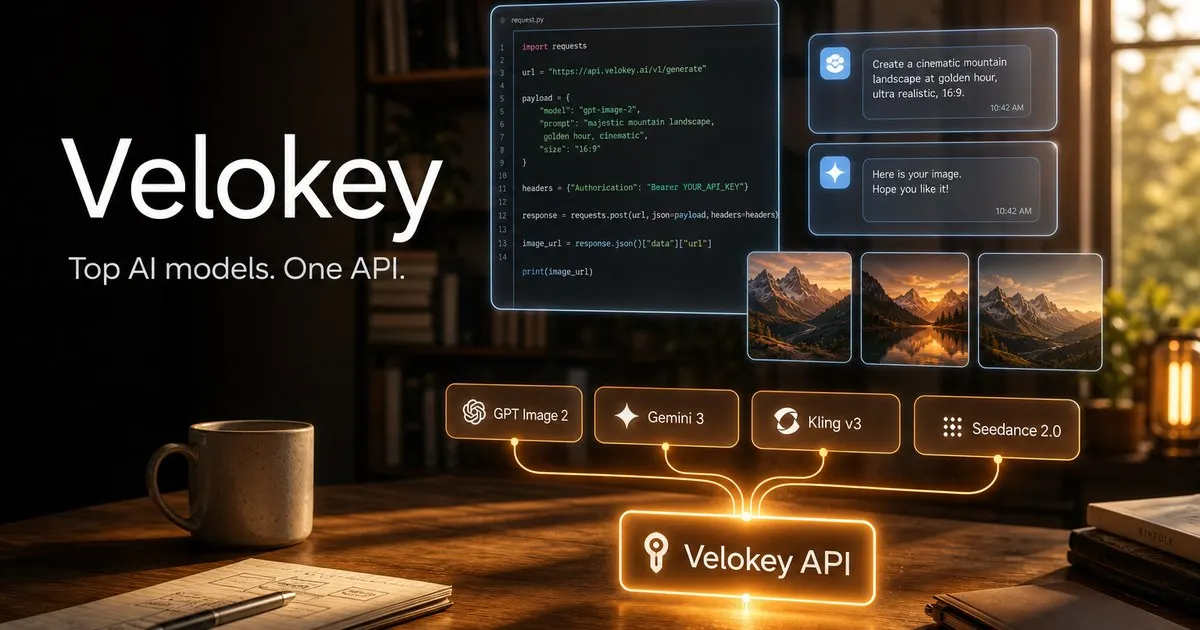
The Biggest Barrier to Building AI Apps (And How Unified APIs Fix It)
Traditional AI app development requires stitching together dozens of disjointed integrations: OpenAI’s API for text, MidJourney or DALL-E for AI image generation, Runway or Pika for AI video, each with their own SDKs, billing systems, and uptime guarantees. If one provider goes down, your entire app breaks. If a model hikes its prices, you either absorb the cost or spend days re-integrating a cheaper alternative.
High-Profit Use Cases for AI Apps Built With Unified APIs
Unified APIs open up dozens of monetizable AI use cases that would be prohibitively time-consuming to build with separate integrations. Below are the most profitable, in-demand options for solo creators and small teams:
1. Multimodal AI Content Creation SaaS
2. AI Automation Services for Small Businesses
Small businesses are desperate for affordable automation solutions, but most can’t afford to hire dedicated marketing teams. You can use a unified API to build custom automation workflows for local clients, such as a weekly social media content generator that creates captions, product photos, and short promotional reels for a local restaurant or retail store. You can charge a one-time setup fee of $500 to $2,000 per client, plus a $100 to $300 monthly retainer for maintenance and updates. Because the unified API lets you call text, image, and video models with a single integration, you can build and deploy these automation workflows in a fraction of the time it would take with separate APIs. You can find clients on Upwork, Fiverr, or by reaching out to local businesses directly.
3. Niche AI Video and Image Generation Tools
There is massive demand for affordable, high-quality AI video and AI image tools for niche use cases, from e-commerce product demos to personalized greeting cards. You can build a simple tool that takes a single product photo as input and generates edited product images (using Qwen Image 2.0 or Grok Imagine) and 10-second demo videos (using PixVerse V6 or Vidu Q3) for e-commerce sellers. You can sell the tool as a one-time purchase on Gumroad for $19 to $49, or offer done-for-you generation services on Fiverr for $10 to $50 per asset. The unified API lets you switch between models instantly: if a client needs a faster turnaround, you can route their request to PixVerse V6 Turbo instead of the higher-fidelity Kling V3 without changing your code.
4. Custom Multimodal AI Chatbots
Most off-the-shelf AI chatbots are limited to text responses, but with a unified API, you can build custom chatbots that answer text questions, send relevant product images, and even generate short tutorial videos for common customer issues. For example, a SaaS company could use this chatbot to answer support questions, send screenshots of features, and generate 1-minute walkthrough videos for common problems. You can sell custom chatbot installations to small businesses for $1,000 to $5,000 per setup, plus a $100 monthly maintenance fee. The unified API handles all the heavy lifting of calling different models, so you don’t have to build separate integrations for text, image, and video generation.
Step-by-Step Guide to Launching Your First AI App in 4 Steps
Building an AI app with a unified API aggregator is far simpler than traditional integration. Follow these steps to launch your first profitable tool in days, not weeks:
Step 1: Sign Up for a Unified API Platform and Generate Your Key
Step 2: Integrate the API Into Your Existing Codebase
If you already use an OpenAI-compatible SDK, integration takes minutes. Simply update your base URL from https://api.openai.com/v1 to the aggregator’s endpoint (for example, https://api.velokey.ai/v1) and add your new API key. No other code changes are required. For example, a simple text generation call would look like this:
from openai import OpenAI
client = OpenAI(api_key="YOUR_VELOKEY_API_KEY", base_url="https://api.velokey.ai/v1")
response = client.chat.completions.create(model="gpt-4o", messages=[...])
print(response.choices[0].message.content)
To call an AI image or AI video model, simply swap the model ID in your request: use gpt-image-2 for image generation, sora-2 for cinematic video, or pixverse-v6-t2v for fast stylized video.
Step 3: Select the Right Models For Your Use Case
Browse the platform’s model catalog to find the best fit for your needs, filtering by modality (text, AI image, AI video), capability, and price. For high-volume, low-cost tasks, use lightweight models like Gemini 3.1 Flash Image Preview for quick image generation, or PixVerse V6 Turbo for fast AI video drafts. For premium, high-fidelity output, use models like Sora 2, Seedance 2.0, or GPT Image 2 Pro. You can switch between models at any time without re-integrating, so you can test different options to find the best balance of quality and cost for your users.
Step 4: Add Cost and Reliability Controls
Use the platform’s built-in smart model routing to automatically send requests to the fastest, most stable available endpoint, with automatic failover to backup routes if a provider goes down. Track all request status, token usage, latency, and spend from a single console, so you can optimize costs and avoid unexpected bills. Set spending alerts to notify you if usage exceeds your budget, and route low-priority requests to cheaper models to cut costs without impacting user experience.
Pro Tips to Maximize Profits and Cut Costs
- Test models with free : Use the no-expiration sign-up
- Use tiered model routing for cost optimization: Route high-priority, premium user requests to high-end models like Sora 2, and low-priority requests (like draft content or internal testing) to cheaper models like PixVerse V6 Turbo, cutting costs by 50% or more.
- Bundle API usage into client packages: If you’re offering AI automation services, include a set amount of API usage in your client retainers, so you control costs and lock in consistent profit margins.
- Optimize prompts to reduce token usage: For text generation tasks, write concise, specific prompts to cut down on token usage, which lowers your costs and speeds up response times for your users.
- Leverage failover to avoid downtime: The built-in automatic failover feature ensures your app or service never goes offline if a provider has an outage, so you don’t lose revenue or client trust due to avoidable downtime.
Common Mistakes to Avoid When Scaling Your AI App
- Don’t lock yourself into a single model: The biggest advantage of unified APIs is flexibility. Test new models as they launch (like the upcoming Grok Imagine 1.5 preview for AI image and AI video generation) to offer better quality or lower costs to your users, without reworking your integration.
- Don’t ignore usage tracking: Check your platform’s console regularly to spot unexpected spikes in usage, which could be bugs in your app or abuse by users. Catching these early can save you hundreds or thousands of dollars in unexpected API costs.
- Don’t overpay for premium models when cheaper options work: For simple tasks like social media graphics or draft content, lightweight models like Nano Banana Pro or Qwen Image 2.0 deliver near-identical quality to premium models at a fraction of the cost.